Production notes · 01 / 06
How to stage a star in a browser.
Afterlight Opera treats one web page as a fixed proscenium. This guide shows how the concept, image family, CSS cue system, fallbacks and quality gates were assembled so the approach can be adapted without copying this production.
Direction before decoration
Lock one metaphor before opening the code.
Three concepts were compared: a scorched libretto, an impossible 3D auditorium and a fixed aperture. The aperture won because it is theatrical, responsive and resilient without JavaScript or WebGL. The complete lock in DESIGN.md names the palette, typography, mobile restaging, risks, fallbacks and runtime evidence before implementation begins.
GPT-5.6 Ultra led the concept, art direction, identity, copy, Astro/CSS implementation and all three iteration and review passes. GPT Image 2 had a narrower role: it produced the five original stage tableaux from the published prompts. This separation keeps design judgement distinct from image output.
- Write the page job. Here it is to carry a visitor through five acts.
- Choose one physical metaphor. The browser becomes a proscenium.
- Spend motion once. Scene changes own the motion budget; support pages stay quiet.
- Lock failure states. No motion, media, JavaScript or timeline support still reads.
Asset family and curation
Repeat the camera. Change the cue.
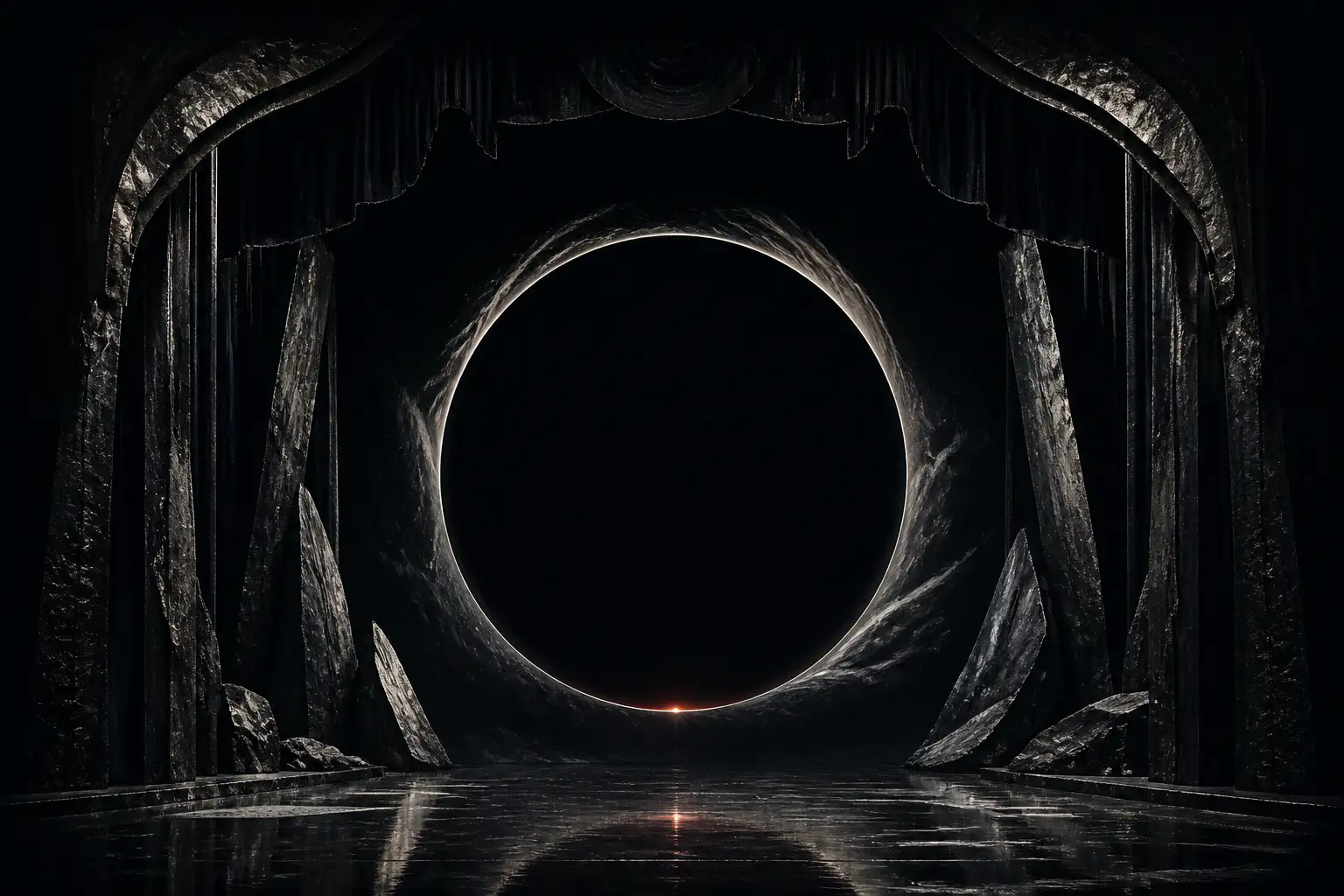
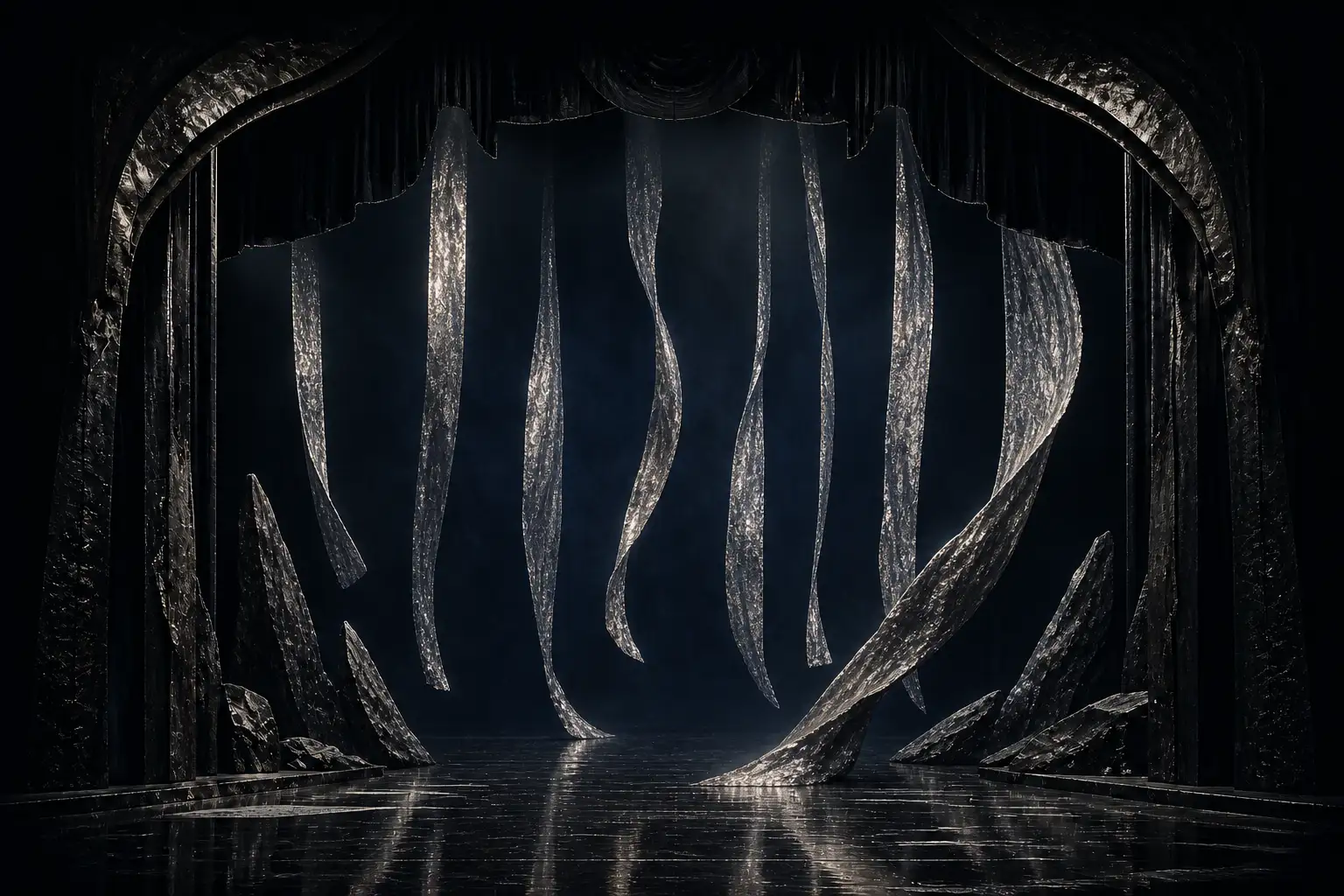
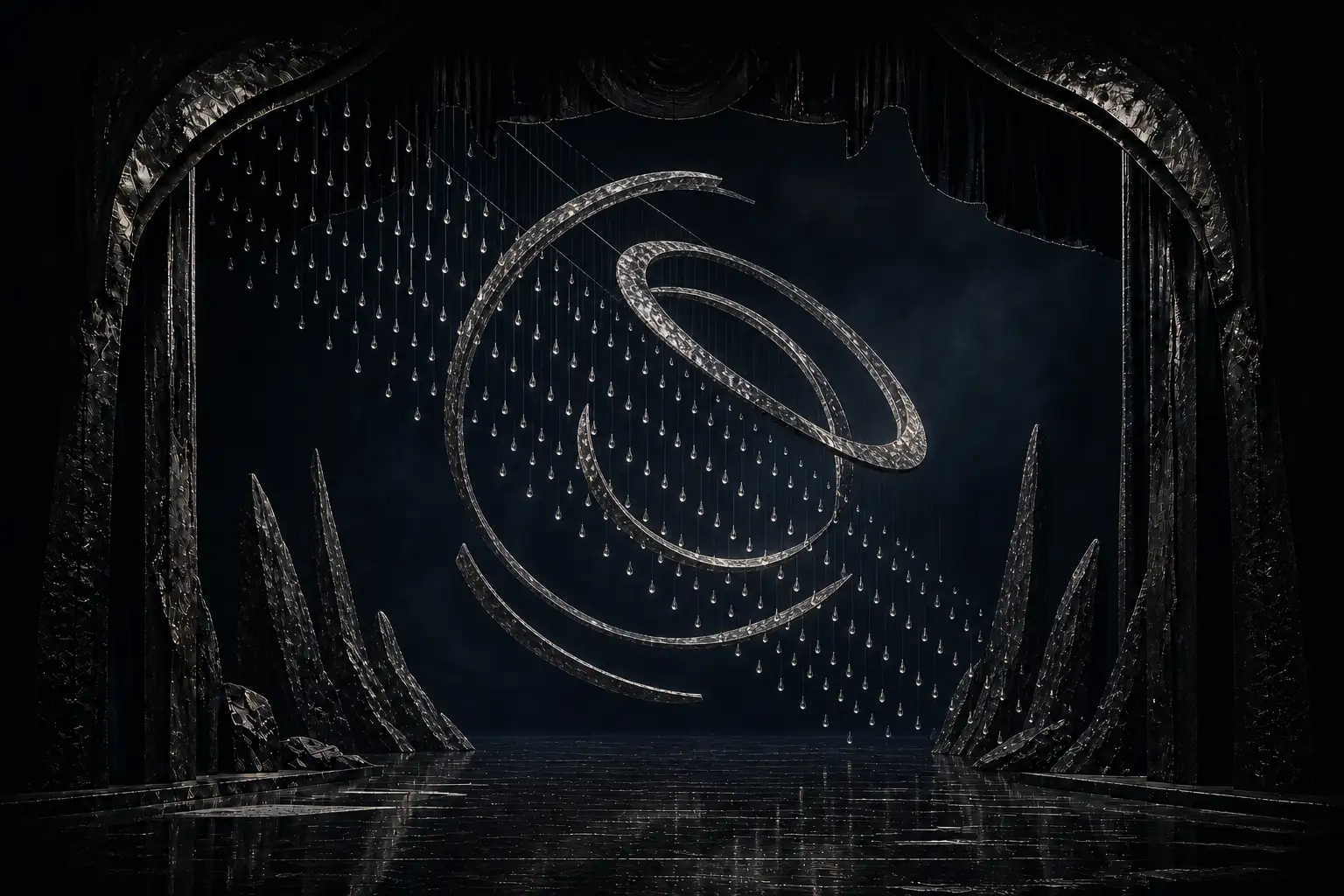
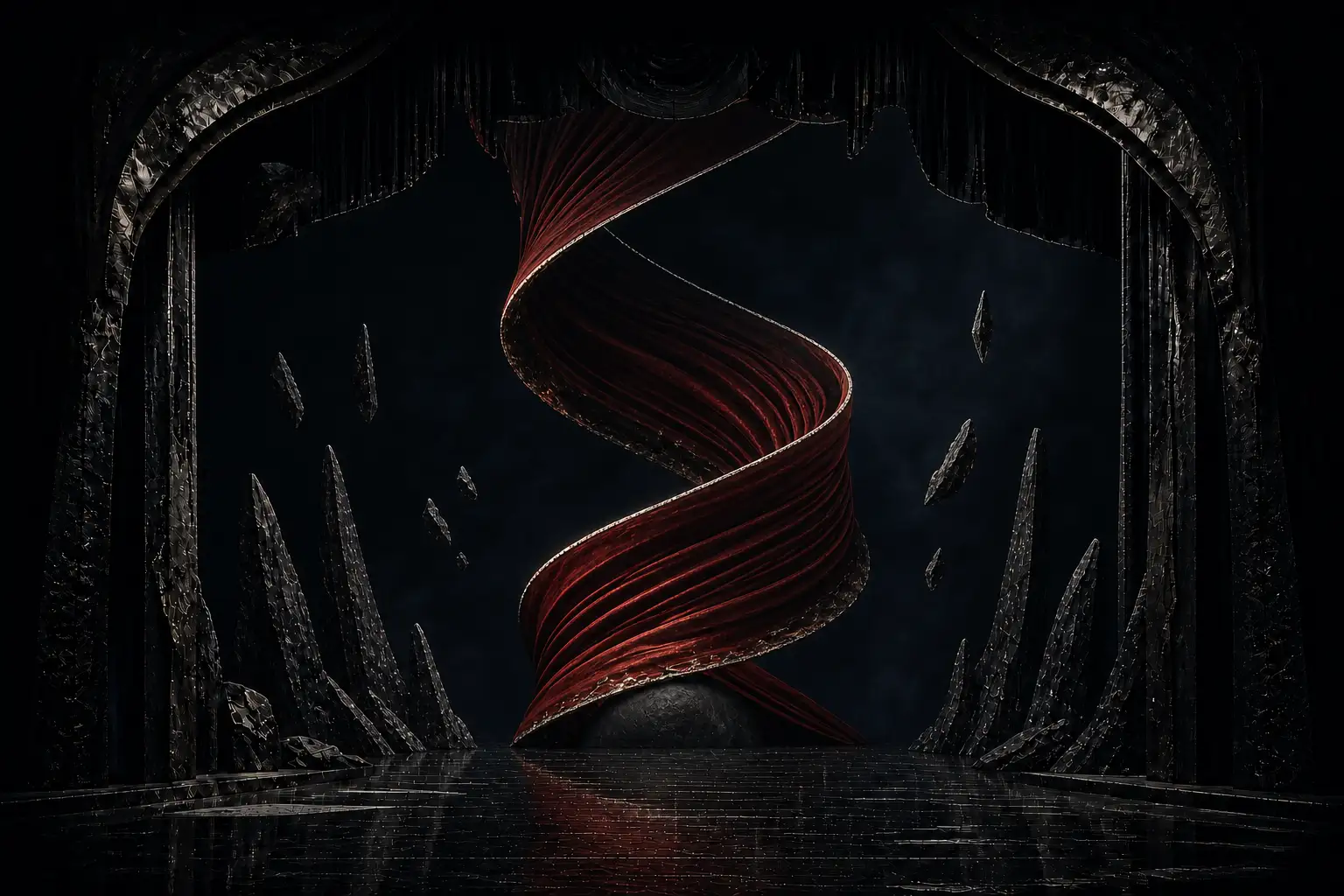
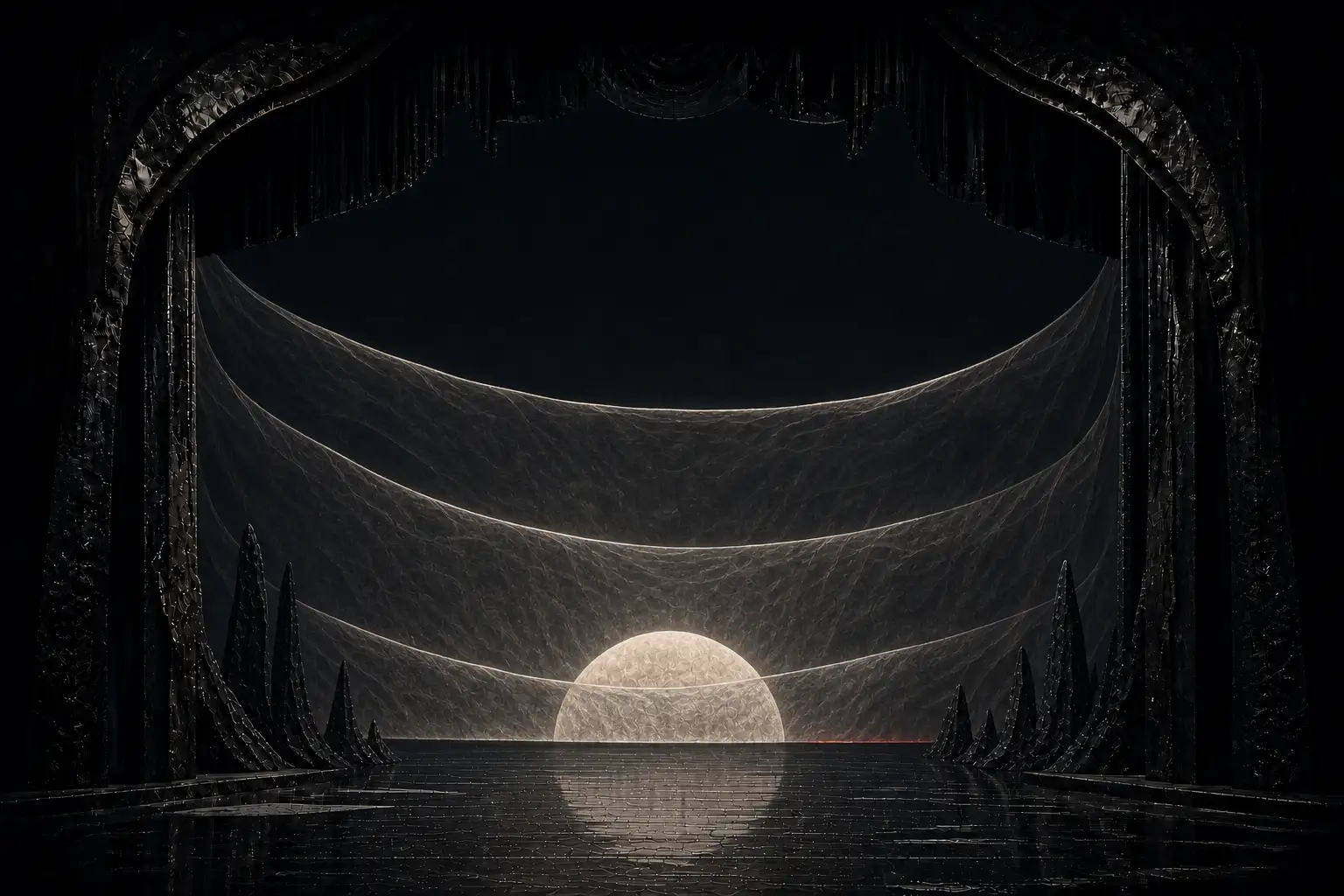
Five 1536 × 1024 tableaux were generated with GPT Image 2 through the built-in image tool. The first image established the audience-eye camera, proscenium geometry, mineral wings, wet stage, film grain and colour density. Each later prompt used the preceding result as a family reference and changed only the scenic event. All selected images were inspected together before they entered the project.
- Model
- GPT Image 2, built-in generation path
- Settings
- 3:2 landscape requested; managed built-in quality; no exposed seed or sampler
- Source assets
- None. The family was generated from text and prior family outputs.
- Selection
- One final per act, curated for camera, architecture, palette and crop continuity
- Licence note
- Original AI-assisted demonstration imagery; no claim of exclusive copyright
- Disclosure
- AI-assistance is stated in every footer and here in the production record.
CSS aperture system
Let each act publish its own timeline.
The five text sections expose named view timelines inside one scoped opera container. Image layers in the sticky stage subscribe to the matching timeline, even though the cue and the visual are different siblings. Opacity, scale, shutter travel and the SVG orbit are therefore driven by scroll without a runtime animation library.
One performance trap needed an explicit fix: because the five layers occupy the same fixed box, native lazy loading initially treated every tableau as visible. Only Act I now ships an eager source. A small Intersection Observer assigns the optimized source set for Acts II–V as each libretto marker approaches; without JavaScript, the same stage falls back to the inline SVG proscenium.
.opera {
  timeline-scope: --act-one, --act-two, --act-three;
}

.act--two {
  view-timeline: --act-two block;
}

.scene--two {
  animation: scene-cue linear both;
  animation-timeline: --act-two;
  animation-range: entry 0% exit 100%;
}
The stage itself is sticky. The libretto overlaps its layout footprint with a negative block margin, so the viewport keeps one piece of architecture while the document remains normal, linkable HTML. Native View Transitions apply the same aperture language when visitors open this guide or the prompt archive.
Fallbacks are part of the art direction
Every failure mode keeps a stage.
Reduced motion
Act I remains fixed, shutters stay open and all five libretto sections remain readable.
No scroll timelines
The first tableau and an open aperture display while the complete act sequence flows normally.
No images
A code-native SVG void, halo, orbit and floor preserve the production identity.
No JavaScript
Text, navigation, the premiere note and CSS cues remain; the SVG stage holds the visual identity while later generated tableaux stay a progressive enhancement.
Mobile
The stage becomes a portrait 60svh aperture with each libretto cue on a solid band below it.
No Higgsfield
Higgsfield was unavailable, so motion was authored with CSS scroll timelines and SVG instead.
Three passes, then release
Render, criticise, change, repeat exactly three times.
The project-local Playwright harness captures 320, 390, 768 and 1440px. Pass one targets defects, interactions and mobile composition. Pass two builds and tests one depth hypothesis. Pass three tunes cohesion, rhythm and reduction. The release gate then checks all routes, axe, console errors, CSP, reduced motion, no-media and no-JavaScript states, followed by repeated production Lighthouse runs.
The exact public prompts are preserved in the prompt archive. Implementation decisions and pass results are tracked in DESIGN.md andITERATION-PASSES.md in the project repository.
Release stays reproducible: Astro writes the static site to dist/, then Wrangler publishes that directory to the dedicated Cloudflare Pages project afterlight-opera-ultra on the production branch main. Create the project once, deploy the clean commit, and run the read-only live suite plus the repeated Lighthouse matrix against the stable Pages domain.
npm run build
npx wrangler pages project create afterlight-opera-ultra --production-branch main
npx wrangler pages deploy dist --project-name afterlight-opera-ultra --branch main
QA_BASE_URL=https://afterlight-opera-ultra.pages.dev npm run qa:live
QA_BASE_URL=https://afterlight-opera-ultra.pages.dev npm run qa:lighthouse